Essential AI Tools for Businesses and Agencies
AI Tools, AI For Beginners, Productivity Tools, Business Automation
What AI Tools Should I Be Using Anyway? A Friendly Guide for Businesses and Agencies
If you run a business or agency, you’ve probably heard “you should be using AI” more times than you can count. But when you finally sit down to explore AI tools, it can feel like stepping into a noisy marketplace where every product claims to “revolutionize” your work. At Intellectly, we hear this all the time: “What AI tools should I be using anyway—especially if I’m basically an AI beginner?” Let’s walk through it calmly and clearly, together.
Start with the Real Question: What Problems Are You Solving?
Before you test-drive every shiny new AI app, pause and ask a simpler question: Where are we losing time or missing opportunities? For most small businesses and agencies, the answers fall into a few buckets:
Repetitive admin work that eats up hours every week
Slow content creation for marketing, proposals, or client communication
Customer questions that pile up in inboxes, chats, and DMs
Data scattered across tools, making decisions harder than they need to be
Once you know your pain points, choosing AI tools stops being guesswork and starts feeling like picking the right productivity tools for specific jobs. That’s where AI for beginners becomes much less intimidating—and a lot more useful.
Core Categories of AI Tools Every Business Should Consider
1. AI Writing and Content Assistants
For many businesses and agencies, the first helpful step into AI is a writing assistant. These AI tools help you draft emails, social captions, blog outlines, ad copy, and even proposals in minutes instead of hours. Think of them as supercharged brainstorming partners, not replacements for your brand voice or strategy. You still steer; the AI just gets you there faster.
💡 Friendly Tip: Use AI to create first drafts and idea lists, then apply your expertise to refine, personalize, and fact-check.
2. AI Chatbots and Customer Support Assistants
If you’re constantly replying to the same questions—pricing, availability, basic troubleshooting—an AI-powered chatbot can quietly become your hardest-working team member. Tools that we build at Intellectly, for example, can sit on your website or inside your apps to:
Answer common questions 24/7 in your brand’s tone of voice
Capture leads and route them to the right person on your team
Pull answers from your existing FAQs, documents, and knowledge base
For AI beginners, this is one of the most tangible wins: happier customers, fewer support bottlenecks, and more time for your team to focus on complex, high-value conversations.
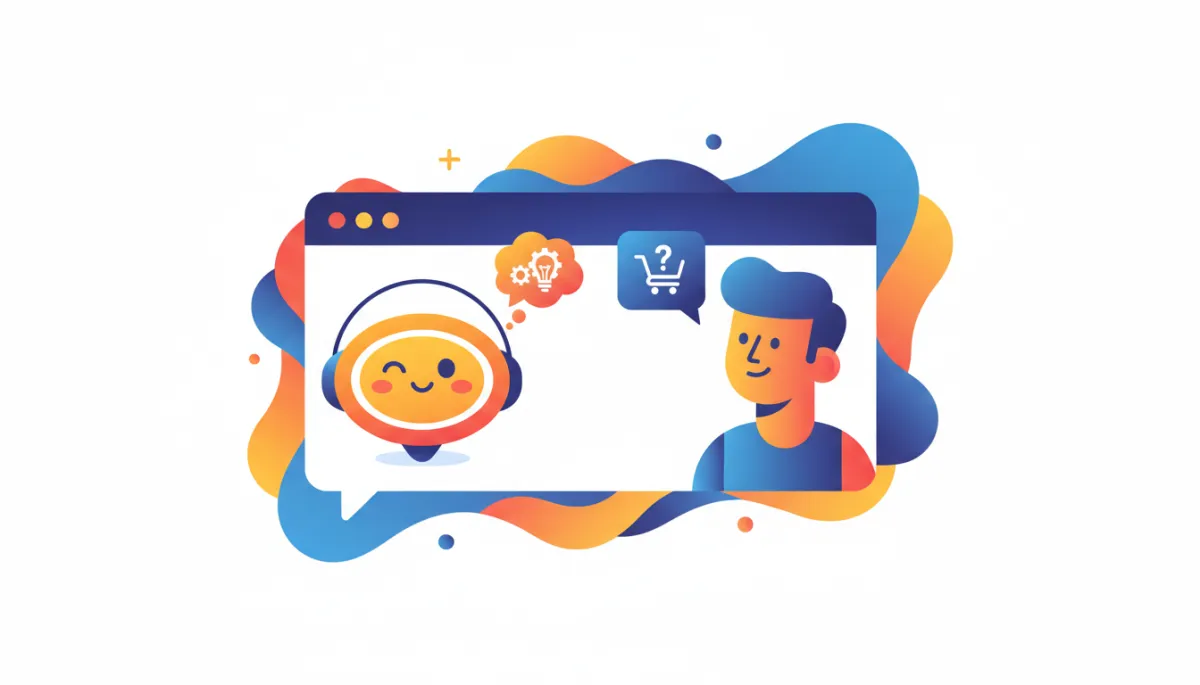
Smart chatbots handle routine questions so your team can focus on strategy.
3. Automation and Workflow Productivity Tools
Next, look at what happens behind the scenes. AI-powered automation can connect your CRM, email platform, project management tool, and support systems so they quietly talk to each other. Imagine:
New leads automatically tagged, scored, and assigned to the right sales rep
Follow-up emails drafted based on customer behavior or previous replies
Project tasks created automatically when a client signs a contract
These are the kinds of productivity tools that quietly add hours back into your week. At Intellectly, we often combine AI agents with no-code or low-code automations so small businesses get big-company efficiency without a big-company IT department.
4. Analytics and Decision-Support AI
Finally, there are AI tools that help you make smarter decisions. These might forecast demand, highlight at-risk customers, or show which campaigns are actually driving revenue. You don’t need a data science team to benefit; you just need tools that translate data into plain language recommendations your team can act on.

Clear AI-powered insights turn scattered data into confident business decisions.
Start with One Frontier AI Assistant That Covers a Lot
If all of this still feels like a long shopping list, here’s some reassuring news: you can cover a surprising amount of ground with just one frontier AI assistant such as Claude, ChatGPT, or Gemini. Think of these tools as flexible “AI Swiss Army knives” that can plug into many of the categories we’ve already talked about.
As an AI writing and content assistant, they can draft emails, blogs, scripts, and social posts in your tone of voice.
As a customer support helper, they can generate FAQ answers, response templates, and conversation flows that later power your chatbot.
As a workflow and automation partner, they can help you design step-by-step processes that tools like Zapier, Make, or custom Intellectly automations can execute.
As a lightweight analytics assistant, they can summarize reports, interpret trends, and turn raw data exports into plain-language insights.
💡 Friendly Tip: Start by giving a tool like Claude, ChatGPT, or Gemini a clear role—“You’re my content assistant” or “You’re my operations strategist”—and share examples of your own writing or processes so it can mirror your style and priorities.
For many small businesses, one well-configured frontier model becomes the foundation: you use it directly for day-to-day tasks, then work with a partner like Intellectly to turn what’s working into repeatable systems—custom chatbots, AI agents, and automations that run in the background for your team and your customers.
📌 Key Takeaway: If you’re using frontier AI tools for business—especially with customer data, internal documents, or team-wide workflows—strongly consider the paid Pro or Business plans. They typically offer better data controls, admin dashboards, team onboarding, and usage tracking, which makes it easier to protect your business data, stay compliant, and manage how your employees use AI across the organization.
AI for Beginners: How to Adopt Tools Without Overwhelm
If you’re new to AI, it’s tempting to try everything at once. Instead, think in small, safe experiments. Choose one area—content, customer support, or internal workflows—and run a 30-day test with a clear goal, like:
“Cut time spent on social content by 50% while keeping quality high.”
“Reduce first-response time to customer inquiries to under five minutes.”
💡 Friendly Tip: Involve the people who actually do the work. Their feedback will help you choose tools that feel like support, not surveillance.
So… What AI Tools Should You Be Using, Really?
For most businesses and agencies, a practical starter stack looks like this:
A reliable AI writing assistant for everyday communication and marketing
A customized AI chatbot to handle common customer questions and capture leads
A set of automation-focused productivity tools that connect your existing apps
Simple analytics or decision-support AI to turn data into clear next steps
You don’t need to chase every trend. You just need a small collection of AI tools that fit your workflows, your team, and your customers. That’s where a partner like Intellectly comes in—we help you cut through the noise, choose what actually matters, and tailor AI so it feels like it was built just for your business.
Ready to Explore AI the Calm, Confident Way?
AI doesn’t have to be overwhelming, risky, or reserved for tech giants. With the right guidance, it becomes a set of approachable, practical tools that quietly boost your productivity, improve customer experiences, and free your team to do their best work. If you’d like help mapping out which AI tools make sense for your business or agency, get in touch with Intellectly for a personalized consultation. We’ll help you design a tailored, trustworthy AI setup that turns buzzwords into real-world results—one smart step at a time.