AI Glossary for Business Owners: Quick & Friendly Guide
AI Glossary, Artificial Intelligence Terms, Machine Learning Definitions
A Quick, Friendly AI Glossary for Busy Business Owners
If AI conversations feel like a different language, you are not alone. This quick AI Glossary is designed for individuals and small business owners who want clear, practical explanations of common Artificial Intelligence Terms, Machine Learning Definitions, and everyday AI Concepts—without the headache of decoding tech jargon.
Why a Simple AI Glossary Matters for Small Businesses
When you talk with vendors, agencies, or consultants about automation, you will hear a lot of AI Terminology. If that Tech Jargon is confusing, it is harder to make good decisions, compare solutions, or push back when something does not sound right. At Intellectly, we believe that clarity is power. Once you understand the core AI Concepts, you can ask sharper questions, spot real value, and feel confident investing in tools like chatbots, AI agents, and smart integrations.
Core Artificial Intelligence Terms (Plain-English Definitions)
Artificial Intelligence (AI) – A broad term for computer systems that can perform tasks we usually associate with human intelligence, like understanding language, recognizing patterns, or making decisions. Think of AI as the overall field or “umbrella.”
Machine Learning (ML) – A branch of AI where systems learn from data instead of being explicitly programmed for every scenario. You feed examples in; the system finds patterns and improves over time. Many modern business tools use ML behind the scenes.
Algorithm – A step-by-step set of instructions a computer follows to solve a problem. In AI, algorithms decide how the system learns from data and makes predictions or recommendations.
Model – The “trained brain” of an AI system. After an algorithm learns from data, the result is a model that can make predictions, classify information, or generate responses, like the text you are reading from an AI assistant.
Machine Learning Definitions You Will Hear in Meetings
Training Data – The examples used to “teach” an AI model. For a customer support chatbot, training data might include past email replies, help center articles, and chat transcripts from your team.
Input & Output – The input is what you give the AI (a question, an image, a record); the output is what it returns (an answer, a label, a prediction). Understanding inputs and outputs helps you design useful AI workflows in your business.
Classification – When an AI sorts things into categories. For example, classifying support tickets as “billing,” “technical,” or “sales,” so your team can respond faster or route them automatically.
Prediction – When AI estimates what is likely to happen next, such as which leads are most likely to buy, or which customers might churn. This helps small businesses focus effort where it matters most.
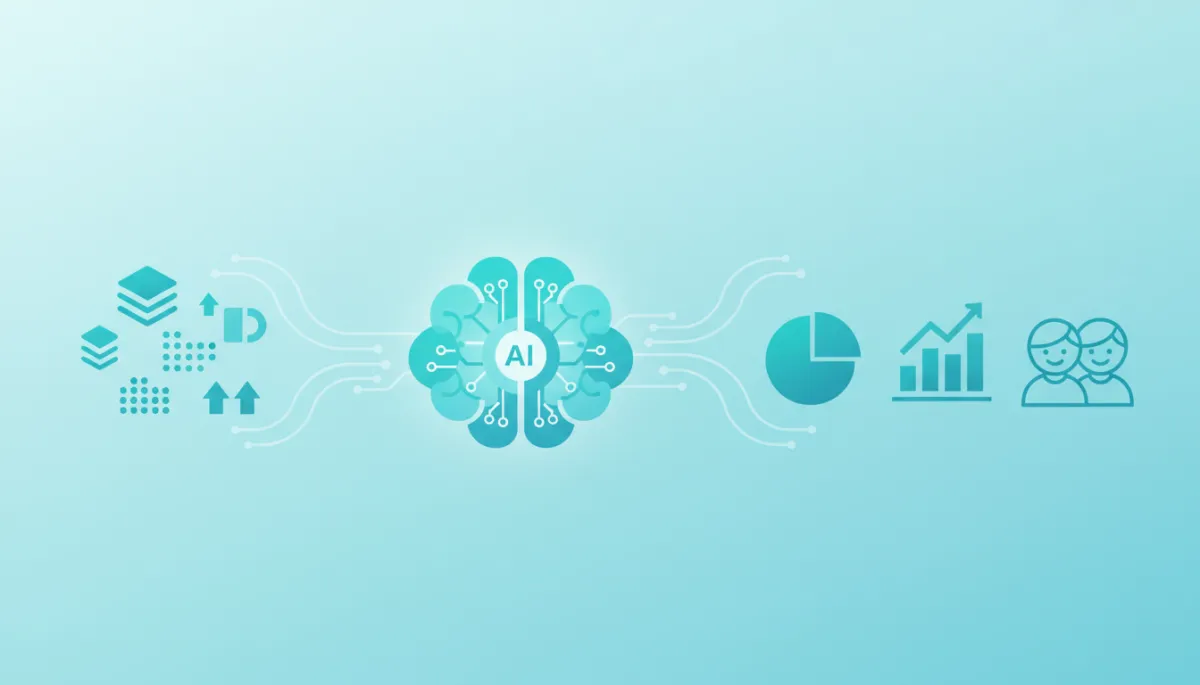
Clear AI concepts turn raw data into decisions you can actually use.
Everyday AI Concepts Behind Tools You Already Use
Chatbot – A conversational tool that answers questions or guides users through tasks via chat. Modern chatbots powered by AI can understand natural language instead of just following fixed menus or scripts.
AI Agent – A more capable assistant that can understand goals and take actions, like updating a CRM, drafting emails, or creating reports. Intellectly often designs AI agents to automate repetitive workflows for small teams.
Natural Language Processing (NLP) – The part of AI focused on understanding and generating human language. If a system can read customer feedback, summarize it, and highlight themes, that is NLP at work.
Automation – Using software, often powered by AI, to complete tasks with little or no human involvement. Examples include auto-responding to common questions or syncing data between apps without manual copy-paste.
Decoding AI Terminology and Tech Jargon You Might Hear
Black Box – A system whose internal workings are hard to understand. Some AI models are considered “black boxes” because they are complex, even for experts. A good partner, like Intellectly, explains what matters in clear terms so you still feel in control.
Prompt – The instruction or question you give a generative AI tool. Better prompts usually lead to better results, which is why many teams develop prompt “playbooks” for consistent outcomes.
Bias – When an AI system produces unfair or skewed results because the data it learned from was unbalanced. Responsible AI design includes checking for bias and adding guardrails to protect your customers and your brand.
Putting This AI Glossary to Work in Your Business
You do not need to become a data scientist to benefit from AI. But knowing key Artificial Intelligence Terms and Machine Learning Definitions helps you move conversations from vague promises to concrete results: fewer manual tasks, faster responses, and more consistent customer experiences. Use this AI Glossary as a reference the next time a vendor mentions a confusing phrase, or when you are exploring new AI Concepts with your team.
At Intellectly, we specialize in turning complex AI Terminology into practical solutions—chatbots that actually understand your customers, AI agents that take work off your plate, and integrations that quietly keep your tools in sync. If you are ready to move from buzzwords to measurable impact, we are here to help.
💡 Friendly Next Step: Get in touch with Intellectly for a personalized consultation. We will walk through your goals, cut through the Tech Jargon, and design tailored AI solutions that fit your small business and your budget.